
Leave policies and balances
Set up leave types, yearly allowances, monthly accrual and carry-over, public holidays per country, and correct a person's leave balance.
Who can use this
OwnerCompany adminRequirements
None beyond the role
Leave policies decide how many days people get, how they are earned, what carries over on 1 January and which public holidays apply. Approved leave sets people to Away and shows in Time off.
Open Company admin → Work → Work settings → Leave policies. There are four tabs: Policies, Leave types, Public holidays and Balances.
Leave types
For each type (for example annual leave or sick leave) set:
- Name and Color (used in the Time off calendar);
- Uses a balance: it Counts against days per year;
- Paid;
- Can be requested: turn it off to keep the type for history only.
Select Add leave type to create a new one.
Policies
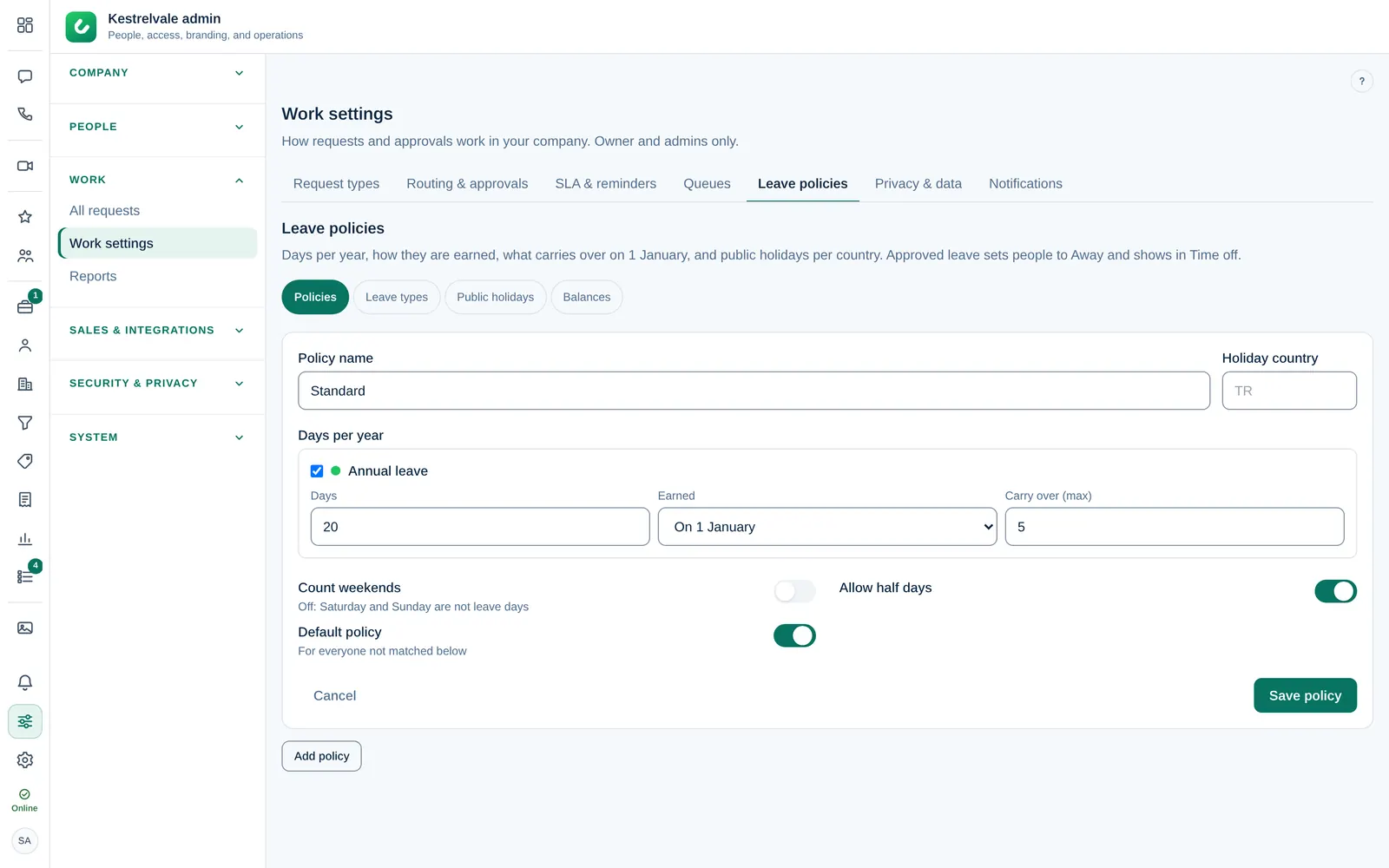
The Default policy is for everyone not matched below. Add more with Add policy, for example for staff in another country:
- Enter the Policy name (for example Germany staff) and the Holiday country.
- Under Days per year, set the days for each leave type, how they are Earned (On 1 January or Monthly) and Carry over (max). Leave it empty for No limit.
- Choose Count weekends (off: Saturday and Sunday are not leave days) and Allow half days.
- Under Applies to departments, pick the departments this policy is for.
- Select Save policy.
When you delete a policy, the people on it move to the default policy.
Public holidays
Choose a Country and Year, then select Import national holidays. Add your own days with a Date and Holiday name, for example a company day off. Holidays are not counted as leave days and pause response targets if Work settings say so.
Balances
Balances shows each Person with their days left and the breakdown: earned, carried over, corrections and used. To correct a balance, enter Days (for example +2 or -1.5) and a Reason such as the opening balance, then save. Corrections show in the person's balance.
Leave balances and the Time off calendar need structured request data in Work settings → Privacy & data. Without it, leave requests stay fully encrypted and balances are not updated.