
Where leads come from
The channels that create leads in Dromix, from WhatsApp, Instagram, Facebook and email to web forms, imports, the API and leads you add yourself.
Who can use this
OwnerCompany adminHRDepartment managerMemberRequirements
- CRM access (department, personal grant or channel)
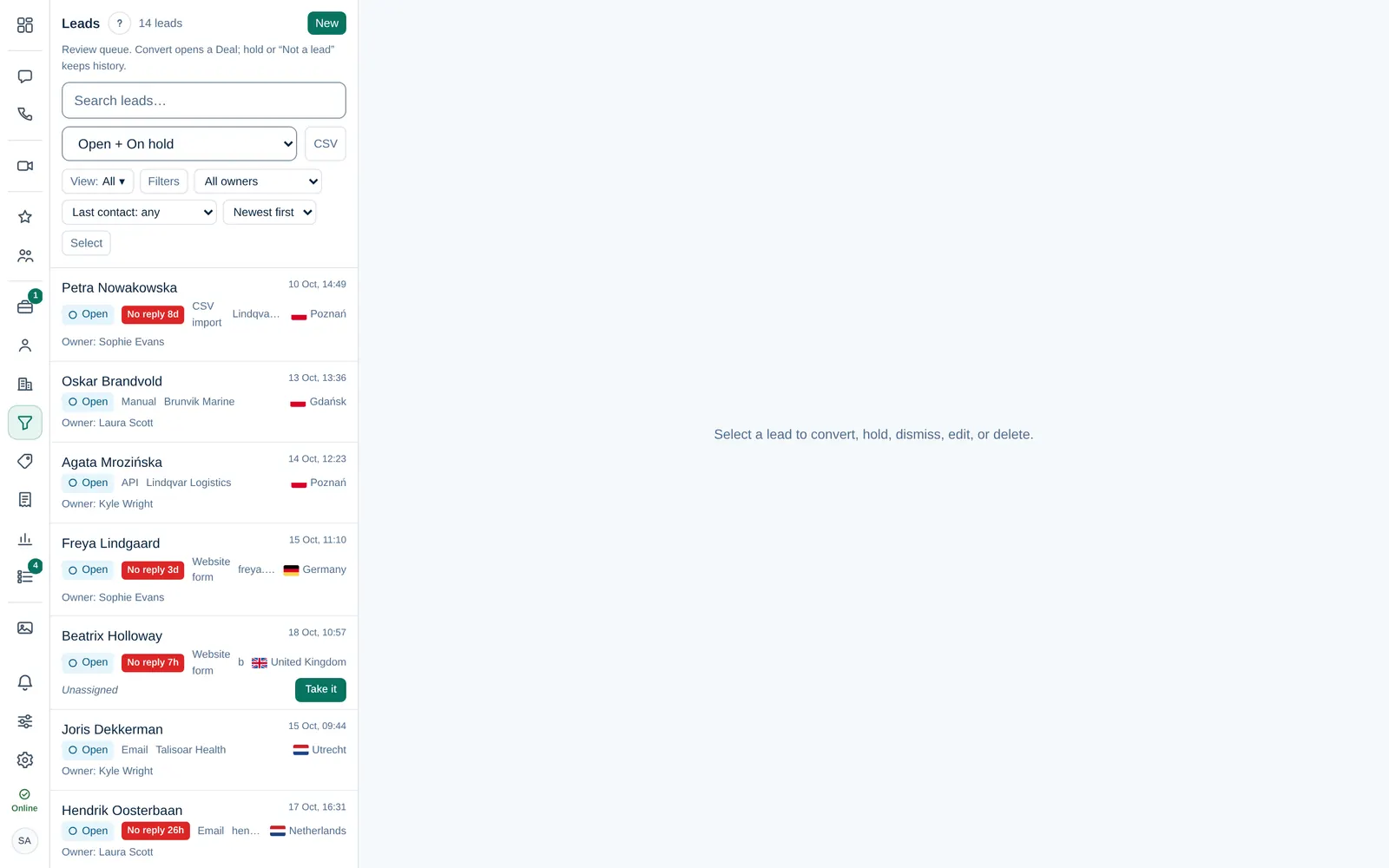
Every lead shows its source, for example WhatsApp or Web form, in the list and in its details. This page explains how each source creates a lead, so you know where to look when a lead is missing or appears twice.
| Source | When a lead is created |
|---|---|
| WhatsApp, Instagram, Facebook | A customer writes to your company account for the first time. Facebook lead ad forms also create leads once a Company admin links them. |
| A new sender writes to a connected mailbox. Automated senders such as noreply@ and bulk mail are skipped automatically. A lead that arrives at the company main inbox, a brand inbox or a pipeline's own sending inbox suggests a pipeline. | |
| Web form | Someone fills in a web form your company put on its website. The lead shows Arrived from Web form with the form's name. |
| CSV import | A Company admin, or someone allowed to, imports a list of leads. |
| API | Another system, such as your shop, sends leads to Dromix. |
| Manual | Someone selects New lead in Leads and fills it in. |
Duplicates
When the same person writes again, Dromix adds the message to their existing lead or contact instead of creating a new lead. If the contact already has an open deal, Dromix tells you and offers Open it.
Who gets the new lead
Depending on your company's Lead settings, a new lead goes to one person, takes turns within a group, or waits without an owner until someone selects Take it. Leads from a CSV import or the API never get an owner automatically.
Email leads and pipelines
Each team inbox belongs to the company (its main inbox), one brand or one pipeline. See Sending inbox. New leads remember the pipeline their inbox suggests: a pipeline's own inbox suggests that pipeline, a brand inbox the brand's first pipeline, and the company main inbox the default company pipeline. When you convert such a lead, the pipeline is already chosen under Pipeline for convert, and you can still pick another one.
A customer's reply to a stage email does not open a new lead. It is filed on the deal the email was sent for. See Which address sends the email.
Nothing changes for leads from other mailboxes and channels. Web forms and Facebook lead ad forms keep their own pipeline setting.
Brand of a lead
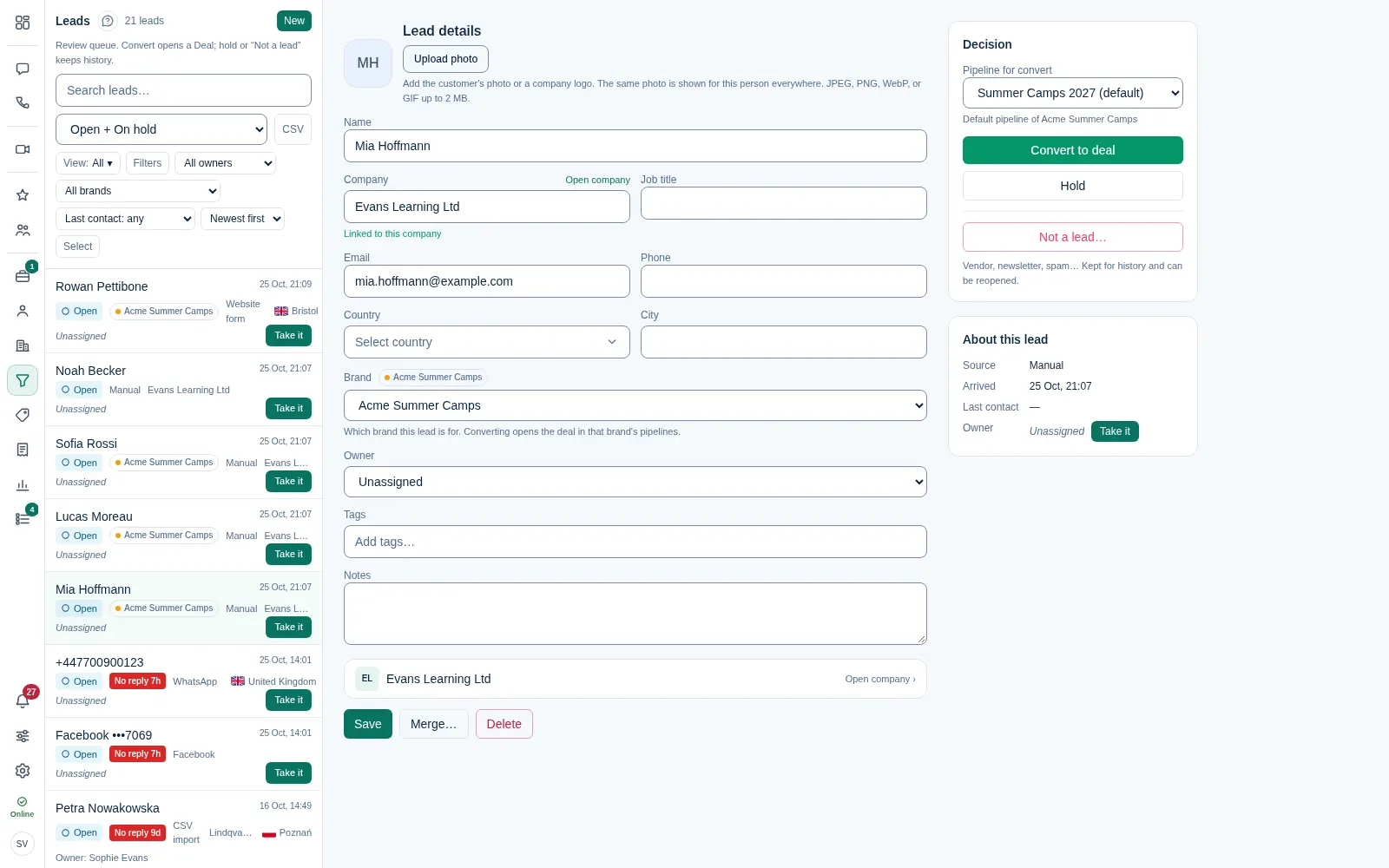
When your company has brands, every lead belongs to one: your company (main brand) or a brand. Dromix sets it from where the lead came in:
| Source | Brand |
|---|---|
| The brand of the team inbox: the company main inbox → your company, a brand inbox → that brand, a pipeline's own inbox → that pipeline's brand | |
| Web form | A form that opens deals: its pipeline's brand. A form that sends to Leads: the Brand chosen on the form |
| Facebook Lead Ads | The brand of the pipeline chosen for the form |
| Added by hand, imported, API | Your company (main brand) |
You can change it under Brand on the lead. Contacts and companies are shared by all brands, but leads and deals are kept per brand: when a customer of one brand writes to another brand's inbox, Dromix opens or updates a lead for that other brand and does not file the message on the first brand's deal. WhatsApp, Instagram and Facebook messages are not tied to a brand yet and are matched as before.
Why a lead did not appear
- The sender is on the blocked list, because someone marked an earlier lead as Not a lead. Their messages still arrive in the chat or Inbox. See Dismiss a lead and block senders.
- The email was automated or bulk mail.
- The email arrived before the mailbox was connected. Dromix does not turn older mail into leads.
- The channel is not connected yet. A Company admin sets it up in Company admin → Sales & integrations → Integrations.