
The email inbox
Read and answer customer email in Dromix from your own or a team mailbox, take and finish conversations, label mail and follow up in time.
Who can use this
OwnerCompany adminHRDepartment managerMemberRequirements
- Mailbox connected
Inbox shows the email of your connected mailboxes: your Personal mailbox and the Team mailboxes you belong to, for example sales@ or support@. Guest Guests do not have an inbox.
Get an inbox
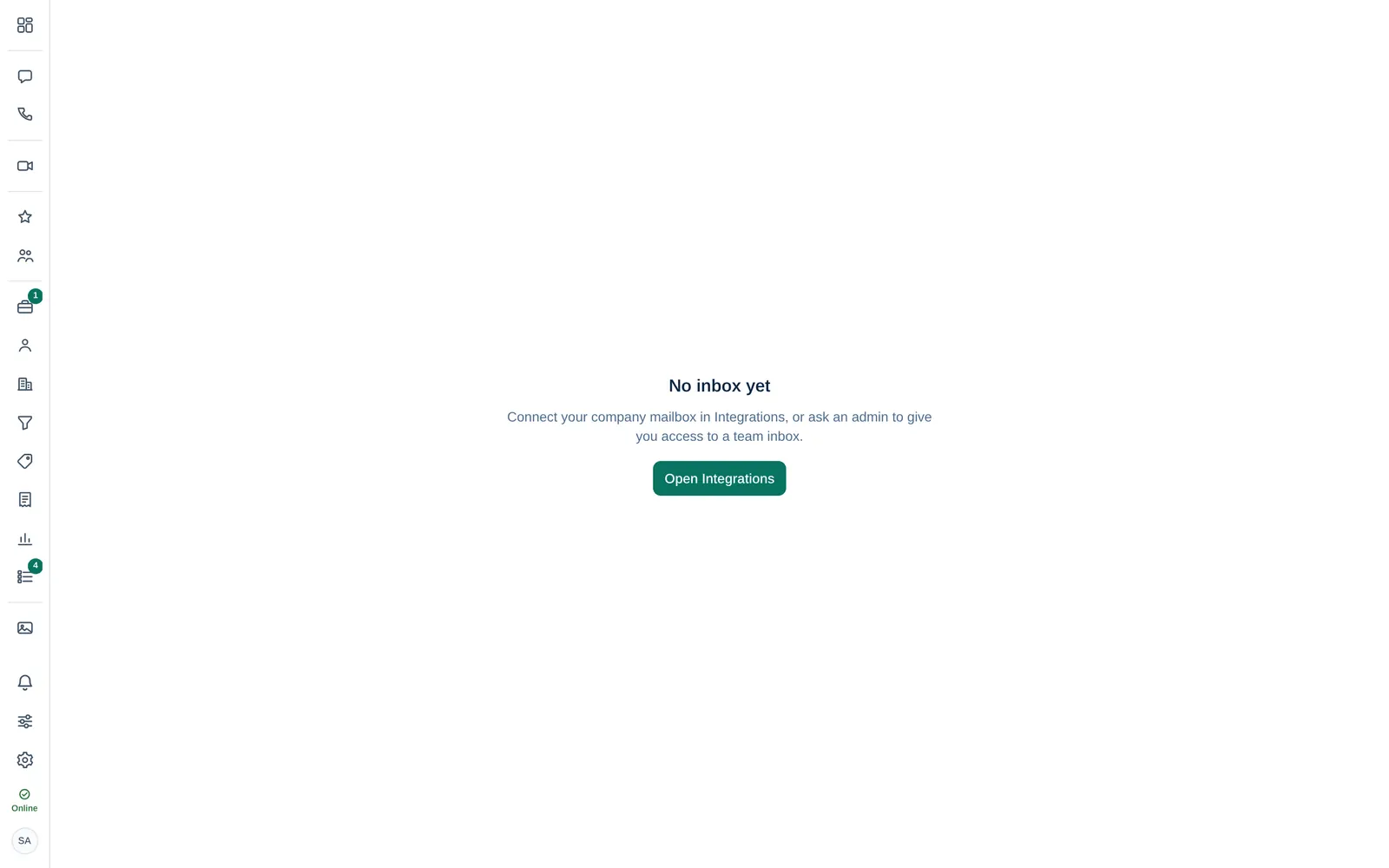
If you see No inbox yet, connect your company mailbox in Integrations (Open Integrations), or ask a Company admin to give you access to a team inbox.
Read and find mail
- On the left, pick a mailbox and a folder: Inbox, Drafts, Sent, Archive or Trash.
- Select a conversation to read it.
- Use Search mail, and the filters All, Assigned to me and Unassigned.
- Filter by Label, by Waiting for (Awaiting our reply or Awaiting customer) and by age.
When nothing is selected, the Overview shows sent and received mail of the last 30 days, the average first reply time and what is Awaiting our reply.
Write and reply
- Select Compose, or Reply, Reply all or Forward in an email.
- Fill in To, Cc and the Subject, write your Message and attach Files and images.
- Select Send.
Your signature is sent with the company logo and links. Save draft keeps the text for later; attached files are not kept in the draft.
Take and finish a conversation
In a team mailbox, conversations can be assigned so customers never get two answers:
- Take it assigns the conversation to you. Replies in this thread stay with the assignee.
- Assigned to hands it to a colleague.
- Mark done removes it from your open list. It comes back when the customer writes again. Reopen brings it back right away.
Labels and auto labels
Select Label to tag a conversation. + Create a label adds a new one. Under Auto labels, add a rule (From contains, To contains or Subject contains) so matching mail is labelled automatically and lands in its own folder.
Emails you send from a deal (Email tab) are saved on the deal's timeline, so the whole team sees the history.