
Departments, titles and who reports to whom
Set up groups, departments and job titles in the Catalog, place people in them and decide who approves their requests with Reports to.
Who can use this
OwnerCompany adminRequirements
None beyond the role
Your company structure has three levels: groups (for example Finance & legal), departments inside a group (for example Accounting) and titles, the job names inside a department. People pick a title from this list when they are invited; it is not free text.
Set up the Catalog
Open Company admin → Company → Catalog. Dromix starts with a typical company layout that you can change.
- Add group: type a name, for example Finance & legal, and select Add group.
- Add department: in a group, type a name under New department and select Add department.
- Add a title: in a department, type it under New title and select Add.
- Edit renames a group, department or title; Delete removes it.
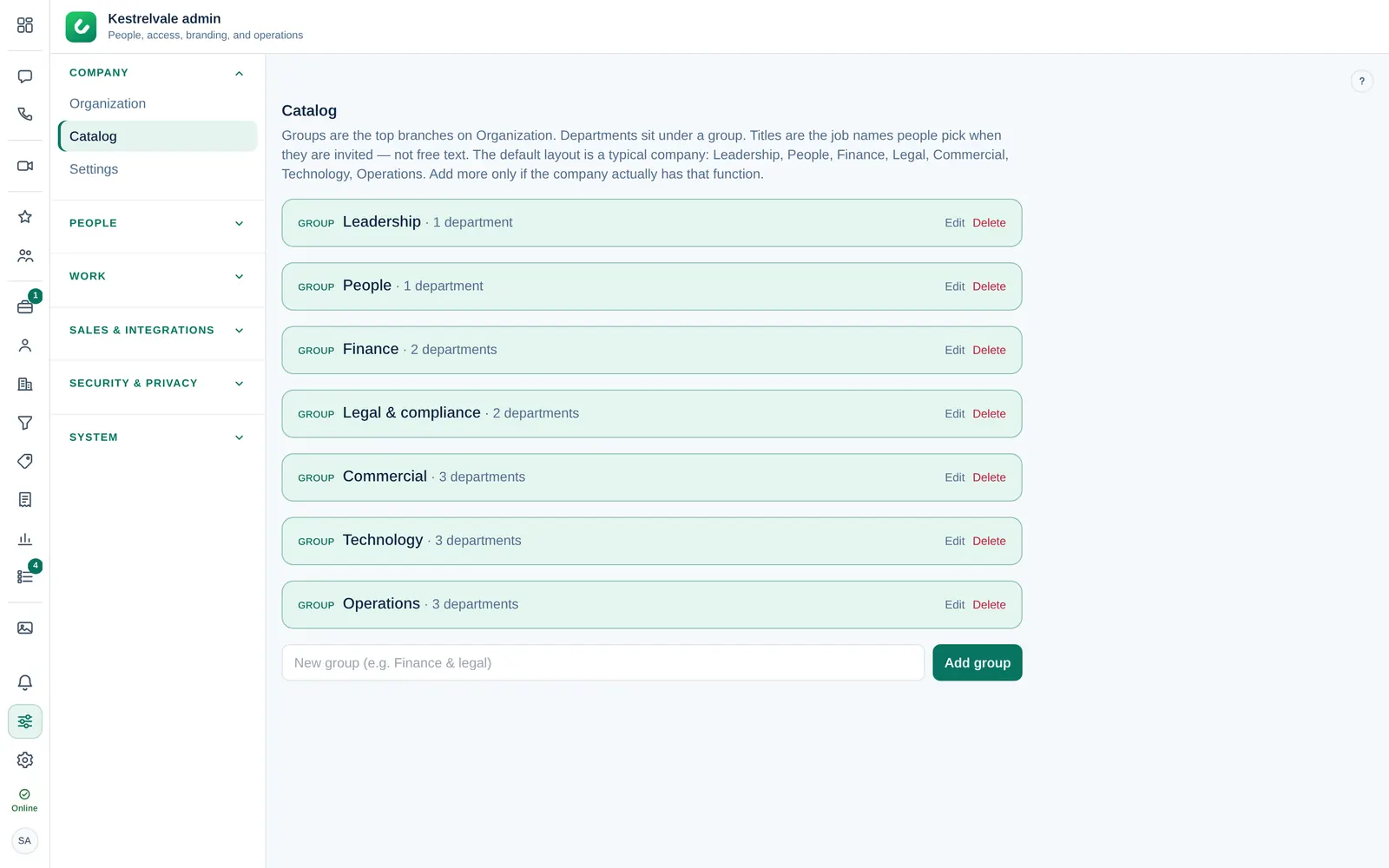
Departments also decide CRM access and where requests go. Name them clearly, for example Sales rather than Team A. See Decide who gets CRM access.
Place a person
- Open Company admin → Company → Organization and select the person.
- Choose their Group, then Department, then Title. You must pick a department before a title.
The change is saved immediately. Organization shows each group as a branch; select a group to show its departments and people side by side.
Who approves their requests
In the same panel, under Approvals:
- Reports to: the person who approves their leave and other requests first. With Nobody (department manager, then HR / admin decide), the department manager decides; without one, HR or the Company admins.
- Out-of-office cover: who decides for this person while they are away. Without From and Until, the cover applies while their status is Away.
New approvals follow the new Reports to; requests already waiting stay where they are.
Import Reports to for many people
- In Organization, select Import Reports to (CSV).
- Paste or upload a list with one person per line:
email, manager_email. Leave the manager empty to clear it. - Select Preview to see how many rows will change, then Update.
Dromix refuses loops, for example two people reporting to each other.