
Let someone cover your approvals
Choose a colleague who decides your approvals while you are out of office, with or without dates, and see who covers for whom.
Who can use this
OwnerCompany adminHRDepartment managerMemberRequirements
- Approver in the request chain
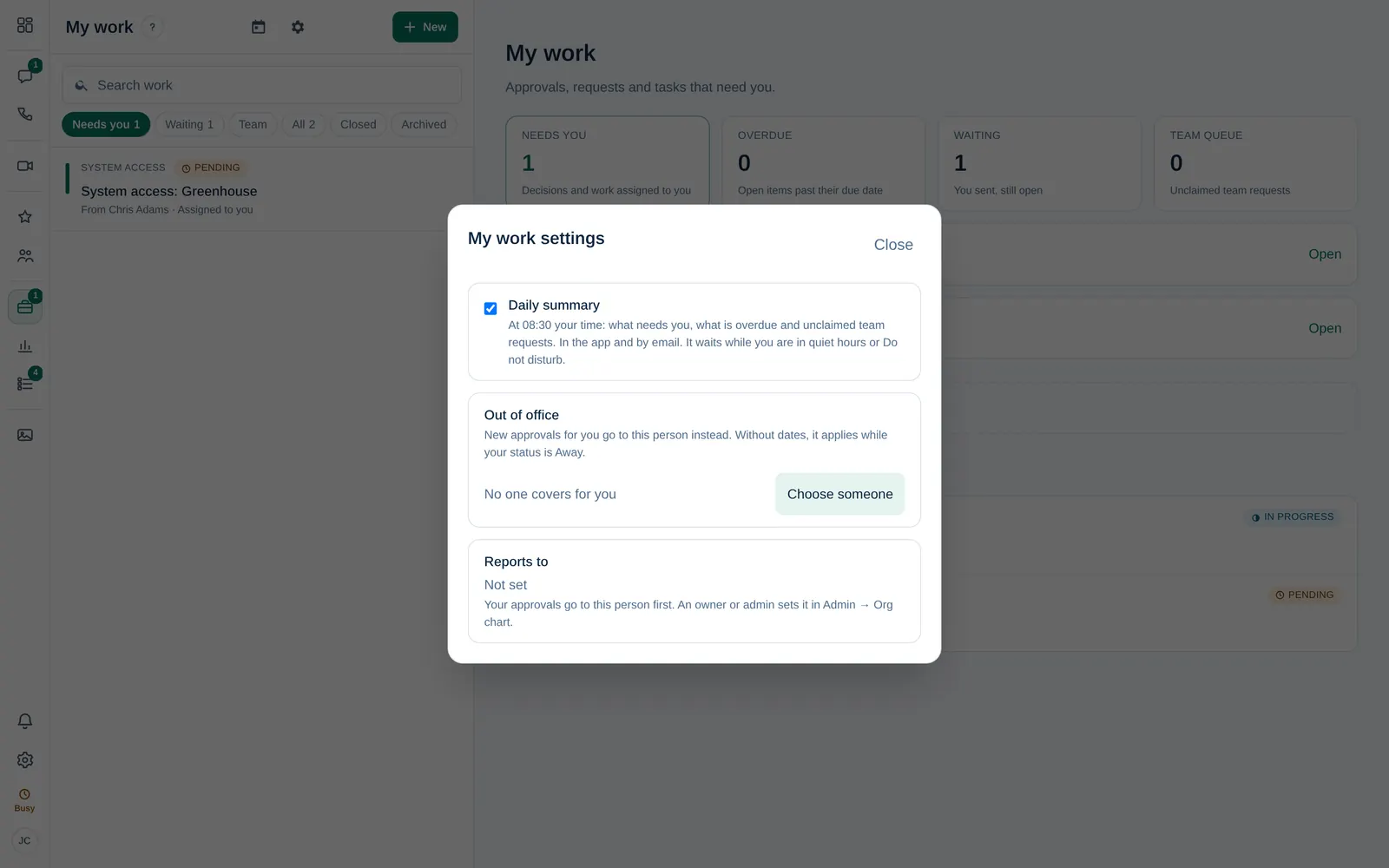
If you approve requests, for example as a department manager, choose someone to cover for you before you go on leave. New approvals for you then go to that person.
Choose a cover
- Open My work and select the gear button (My work settings).
- Under Out of office, select Choose someone.
- In Who covers for you?, pick a colleague and select Choose.
- Optionally set From (optional) and Until (optional).
- Select Save cover.
Without dates, the cover applies while your status is Away. Approved leave sets you to Away automatically on those days.
When you are Away and nobody covers for you, My work shows You are Away. Approvals still come to you. Select Choose a cover there.
What your cover sees
- New approvals go to your cover instead of you. Approvals that were already waiting stay with you; you can pass one on with Hand off.
- The item shows that they are covering for you. The timeline keeps who it was first sent to.
- Your cover can never be the person who asked.
Remove the cover
Open My work settings again and select Remove next to the person. You see Cover removed. To pick someone else, select Change.