
Check the audit log
See who signed in, invited people, changed roles or access, downloaded backups or exported data, with the time and IP address of each action.
Who can use this
OwnerCompany adminRequirements
None beyond the role
The audit log records important actions on your Dromix server, so you can answer questions like "who changed this role?" or "who downloaded the backup?".
Open the audit log
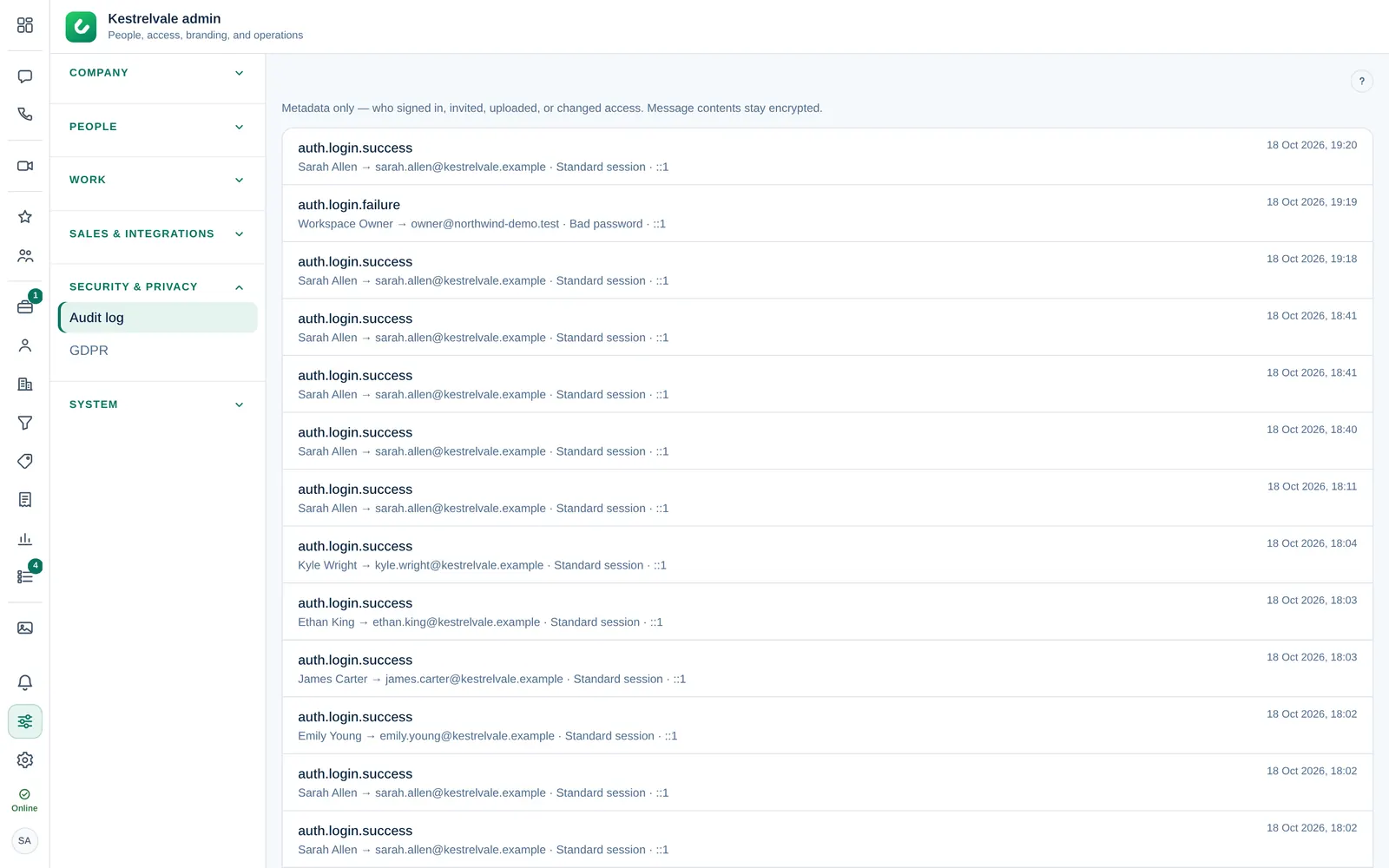
Open Company admin → Security & privacy → Audit log. The newest events are at the top. Select Load more at the bottom for older ones.
Each line shows:
- The action, for example
auth.login.successoruser.set_role. - When it happened.
- Who did it, or System for automatic actions, and, where it applies, the person it affected, a short summary and the IP address.
What is recorded
| Area | Examples of actions |
|---|---|
| Sign-in and security | auth.login.success, auth.login.failure, auth.mfa.enable, auth.qr.approved |
| People | invite.create, invite.revoke, user.set_role |
| Company settings | org.settings.update, org.structure.update, org.brand.logo |
| CRM | crm.access.override, deal.owner, lead.dismiss, contacts.merge |
| Invoices and sales | invoice.issue, invoice.payment, sales.document.send, sales.contract.sign |
| Data and backups | backup.download, privacy.customer.export, privacy.customer.erase |
The audit log holds metadata only. Message contents stay encrypted and are never written to it.
Tips
- Several failed sign-ins (
auth.login.failure) from the same IP address can mean someone is guessing passwords. Consider requiring two-step verification. - Every backup download appears as
backup.download. If you see one you do not recognise, talk to the Owner.